 |
|
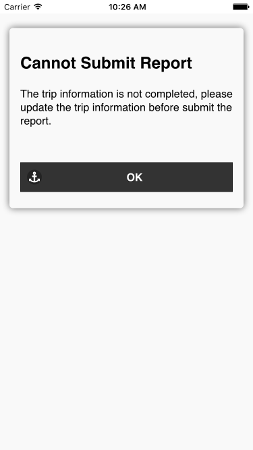
After the user taps the "Submit Report" button, if the trip information is incomplete, the user will get a warning screen. Tapping The "OK" button will return the user to the
Trip Info Screen.
|
 |
|
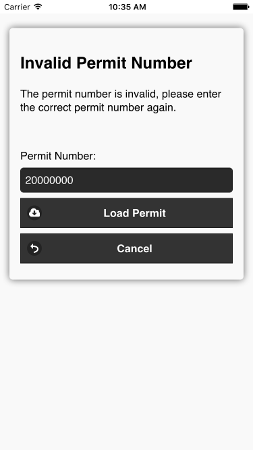
If the permit number is incorrect, the user will get a warning screen and be asked to enter the correct permit number. Tapping the "Load Permit" button will retrieve the permit information using the permit number.
|
 |
|
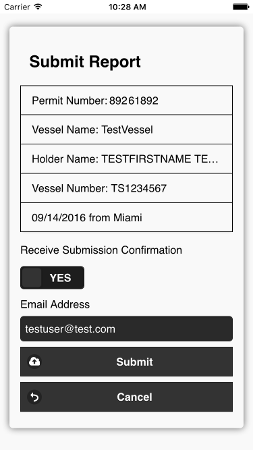
If trip information is completed and the permit number correct, the User has the screen to verify and submit the report. If the user would like to receive email confirmation, an email address is required.
- Tap "Submit" button to submit the report
- Tap the "Cancel" button to navigate back to Landings and Releases Screen
without save changes.
- Tapping on the "Delete" button will delete the landing record.
|
 |
|
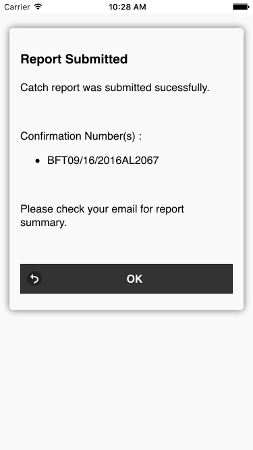
If the report was submitted successfully, the user will receive a confirmation message with confirmation number(s). The report will be listed under submitted report section of the home screen.
|